Bluetooth mileage tracking: a log that starts when the truck does
How Dually Trip Tracker uses your vehicle's Bluetooth to record every drive without you pressing anything.
The idea
Most mileage apps either wait for you to press Start, which is easy to forget, or watch your motion all day and guess which movements were drives, which logs bus rides and a friend's car too. Dually takes a third way: it listens for one thing, your phone connecting to the Bluetooth of a vehicle you paired. That connection is the start of a trip.
How it works
- Pair once. In Setup, press Pair truck and pick your vehicle from the phone's Bluetooth devices. You can pair several work vehicles, each with its own odometer.
- Get in and drive. When the phone connects to that vehicle, Android wakes Dually, even with the app closed, and Dually records the drive with GPS, a position every 2 seconds.
- Park. The trip ends two minutes after the vehicle disconnects, or once it has stood still for ten minutes while still connected. Both times can be changed in Settings.
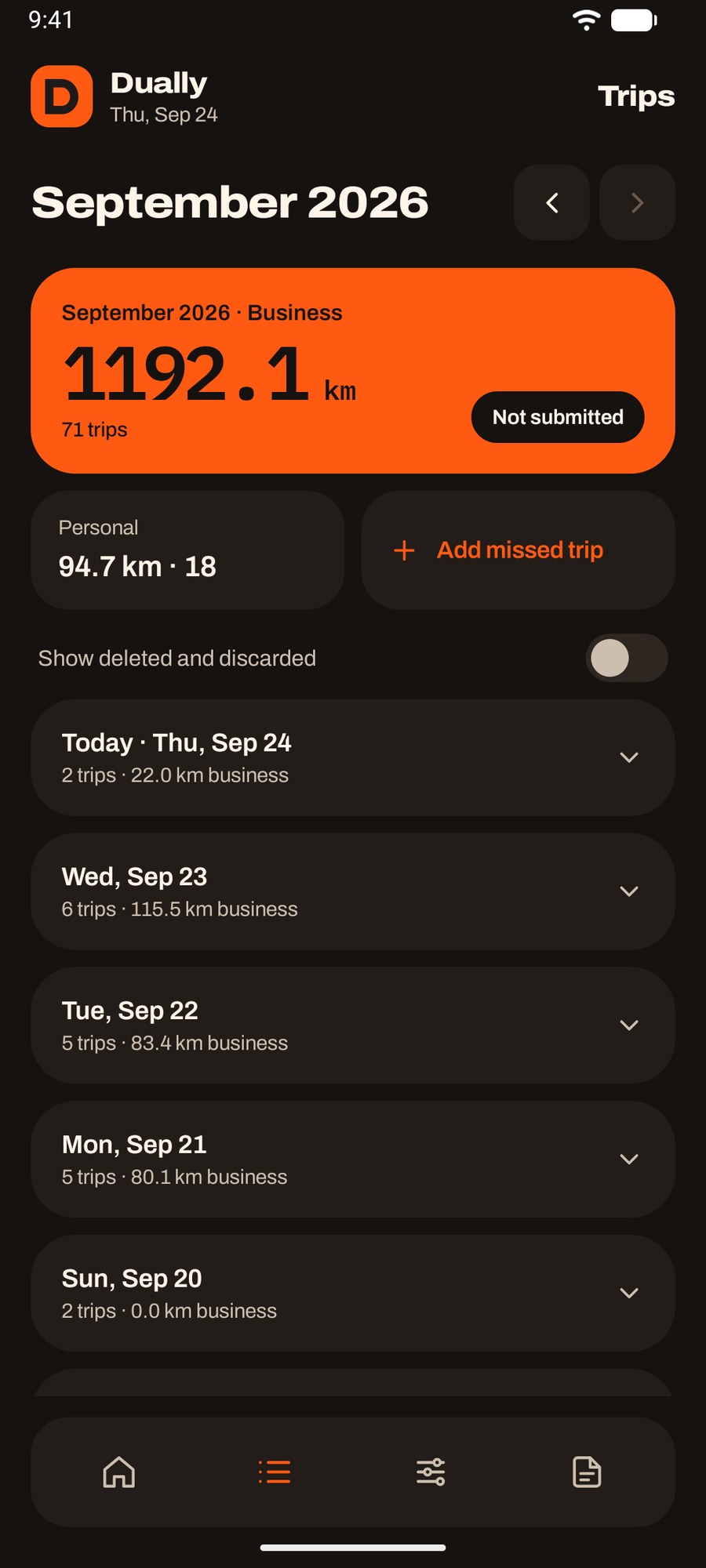
- It's filed for you. A trip that starts in your work hours is saved as Business, the others as Personal, and its start and end become street addresses. You can change any trip on the Trips screen.
What it needs
- Android 14 or newer, with Bluetooth on.
- Location allowed all the time, so a drive is recorded with the screen off.
- Nearby devices (Bluetooth) and notifications.
- Battery use set to unrestricted for Dually, so the phone does not stop it to save power. Setup walks you through each of these.
Its limits
- No Bluetooth, no automatic trip. A vehicle without Bluetooth, or a phone with Bluetooth off, needs the Start trip button. Dually can also tell you when the phone seems to be in a moving vehicle and no trip is being recorded.
- Some phones are strict with background apps. If a phone maker's battery saver stops Dually anyway, the Log screen says what happened, and you can add a missed trip by hand.
- GPS is measured, not perfect. Distance comes from the GPS positions along the drive, so it can differ a little from the odometer. A short move around the yard is left out as too short, and can be counted after all.
- On the iPhone, through Shortcuts. An iPhone app cannot see the truck connect by itself, so Dually for iPhone (iOS 16 or newer) has Setup walk you through two Shortcuts automations: one starts a trip when the iPhone connects to the truck's Bluetooth or CarPlay, the other ends it when it disconnects. Everything above is how it works on Android.
Try it
Dually is free for Android 14 or newer and for iPhone with iOS 16 or newer, with no ads, no subscription and no account needed. Get Dually on Google Play or on the App Store, see how to install it, or read the other guides: a mileage logbook for the CRA and a private mileage tracker.