A private mileage tracker: no account needed, no cloud required
A mileage log is a record of everywhere you drive. Dually Trip Tracker keeps it on your phone.
What that means
- No account needed. Every feature works without signing up, and there is no password.
- Private by default. Dually comes with its online backup off, and with it off the app connects to nothing of its own. It has no analytics and no ads.
- A backup online only if you buy it. The one thing Dually sells is an optional online backup. Only if you buy it and sign in (with Google, or on the iPhone with Apple or Google) is a copy of your trips kept in Google's Firebase, in its Montréal data centre in Canada, and never the GPS points along them. You can delete it at any time.
The only ways your trips leave your phone
- Reports you send. The monthly PDF and CSV go to your email app, and you press send.
- Files you save. An export of all your data is saved where you choose.
- Your own Android backup. If Google backup is on for your phone, Android copies Dually's trips and settings to your Google account. The GPS points along each trip go only to a new phone in a phone-to-phone transfer.
- Your own iPhone backup. If iCloud Backup is on for your iPhone, or you back it up to a computer, that backup holds what Dually keeps on the iPhone, the GPS points included.
- The optional online backup, only if you buy it. Each trip's date, times, start and end, distance, vehicle, label and Business or Personal, without the route between, in Google's Firebase, in its Montréal data centre in Canada.
- Address lookup. To turn a trip's start and end into street addresses, Dually hands those two positions to your phone's own address service, which on most Android phones is Google's, and on the iPhone Apple's.
The privacy policy has every detail, including what the online backup holds and who handles it, the tiles in Settings that open your email and your browser, and each permission and why it is needed. Delete your online backup and account says how to delete the online copy.
Why it matters for a mileage log
A year of trips shows where you live, where you work, who you visit and when. Services that sync trips to their servers keep that history under their own terms. With Dually, the only copies are the ones you make, and even the online backup never holds the route you drove.
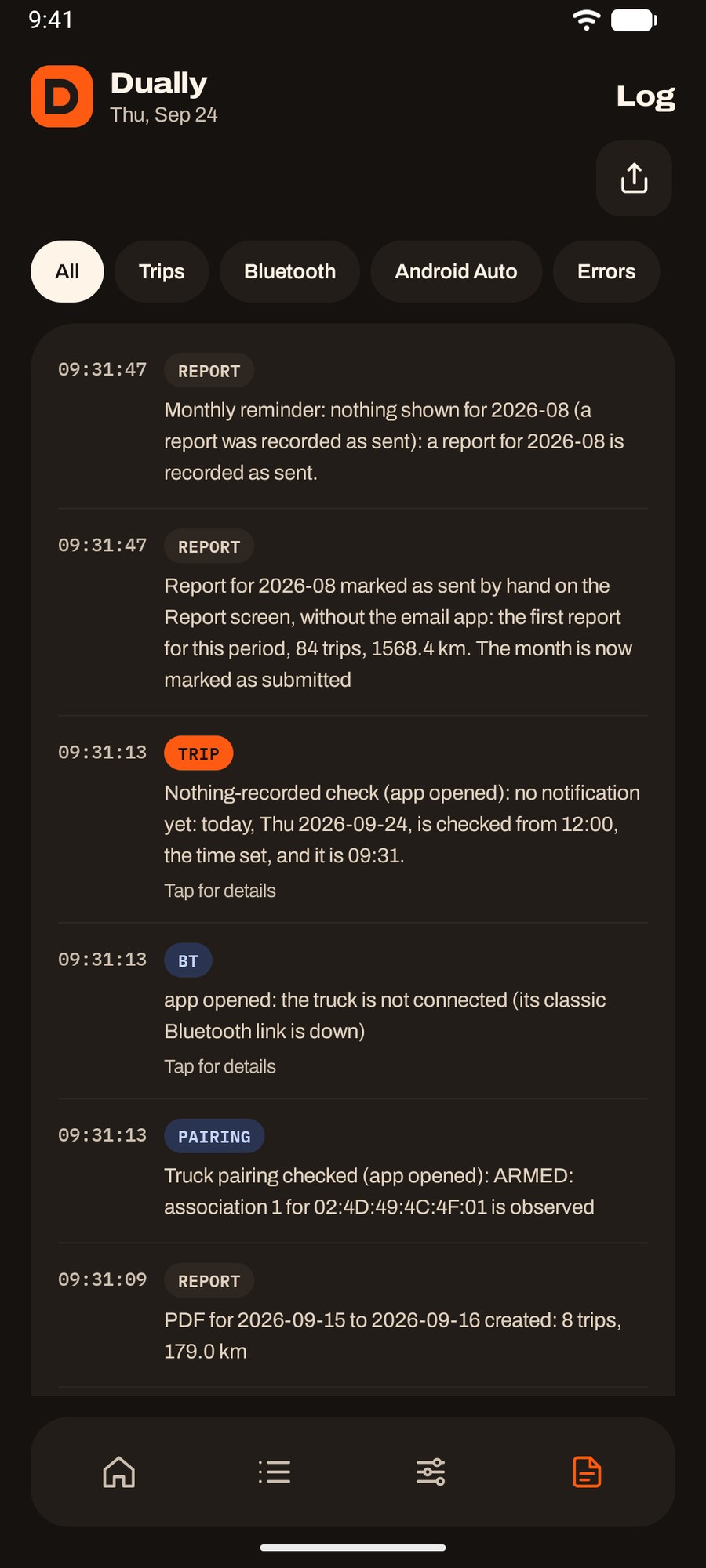
The trade-off
- No web dashboard. Your trips are on the phone, and in the reports and exports you make.
- A lost phone loses what is not backed up. Keep Google backup on, export now and then, or buy the online backup.
- One phone. Trips are not shared between devices. The online backup is a copy for a new phone, not a sync.
Try it
Dually is free for Android 14 or newer and for iPhone with iOS 16 or newer, with no ads, no subscription and no account needed. Get Dually on Google Play or on the App Store, see how to install it, or read the other guides: Bluetooth mileage tracking and a mileage logbook for the CRA.